
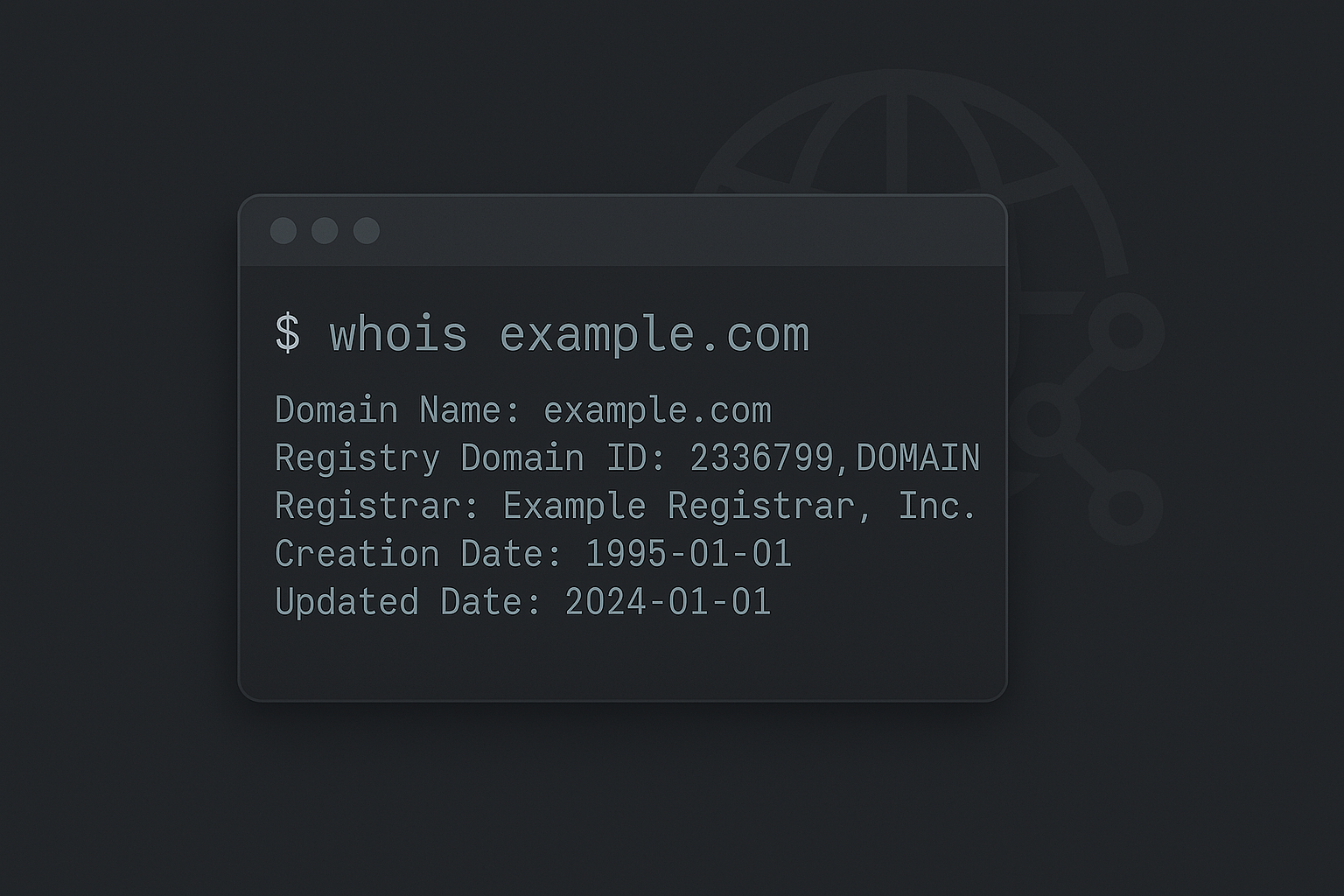
WHOIS is a query and response protocol that accesses databases that store registered internet resources. Those who’ve used it may often use a website such as ICANN Lookup to find information about a domain.
- Find quick information on who registered a domain. This could just be an organization info, but possibly emails and phone numbers.
- Indication of when the domain was registered.
- Do searches on an IP to find registration for IP Block
- Sometimes location details are provided.
Using Local Tools!
Online tools are great, but often times you are either rate limited or don’t have all the tools you’d like. I do add an exception to whoisfreaks, which is a great online tool. However, Local tools are quicker and can be scripted.
- If you use Windows, SysInternals has a WHOIS Utility that works very similar to this native Linux command
I will be using github.com for this example.
WHOIS Search
The great thing about WHOIS is you often do not need to use a lot of options like other CLI tools. It’s honestly as easy as:
~$ whois github.comThe returned results can show us the following:
Domain Name: GITHUB.COM
   Registry Domain ID: 1264983250_DOMAIN_COM-VRSN
   Registrar WHOIS Server: whois.markmonitor.com
   Registrar URL: http://www.markmonitor.com
   Updated Date: 2024-09-07T09:16:32Z
   Creation Date: 2007-10-09T18:20:50Z
   Registry Expiry Date: 2026-10-09T18:20:50Z
   Registrar: MarkMonitor Inc.
   Registrar IANA ID: 292
   Registrar Abuse Contact Email: abusecomplaints@markmonitor.com
   Registrar Abuse Contact Phone: +1.2086851750
   Domain Status: clientDeleteProhibited https://icann.org/epp#clientDeleteProhibited
   Domain Status: clientTransferProhibited https://icann.org/epp#clientTransferProhibited
   Domain Status: clientUpdateProhibited https://icann.org/epp#clientUpdateProhibited
   Name Server: DNS1.P08.NSONE.NET
   Name Server: DNS2.P08.NSONE.NET
   Name Server: DNS3.P08.NSONE.NET
   Name Server: DNS4.P08.NSONE.NET
   Name Server: NS-1283.AWSDNS-32.ORG
   Name Server: NS-1707.AWSDNS-21.CO.UK
   Name Server: NS-421.AWSDNS-52.COM
   Name Server: NS-520.AWSDNS-01.NET
WHOIS Reverse IP Lookup
Instead of a domain, we can also see who owns an IP (or even a block) I will first gather the IP address via a DNS lookup.
~$ dig github.com A

;; ANSWER SECTION:
github.com.   15    IN     A   140.82.114.4
This “A” record is the IP that points to github.com. Whenever we search for github.com, a DNS Server responds back to us with an IP so that our machine can find where to go to be served the content.
Let’s now use WHOIS on this IP in particular:
~$ whois 140.82.114.4

NetRange:       140.82.112.0 - 140.82.127.255
CIDR:           140.82.112.0/20
NetName:        GITHU
NetHandle:      NET-140-82-112-0-1
Parent:         NET140 (NET-140-0-0-0-0)
NetType:        Direct Allocation
OriginAS:       AS36459
Organization:   GitHub, Inc. (GITHU)
RegDate:        2018-04-25
Updated:        2021-12-14
Ref:            https://rdap.arin.net/registry/ip/140.82.112.0
Here we can see that IP is part of a larger block of addresses that is owned by GitHub. This is the same information you’d see from ARIN’s Website. American Registry for Internet Numbers (ARIN) is a global organization who leases these IP addresses out for North America.
Often times, there is no single IP for a website. To provide faster responses and to reduce a single point of failure, DNS Servers may serve out different IPs. In GitHub’s case, they hand out IPs based on geo-location. Here is another query from San Jose, CA that shows a different IP within that IP block:
~$ dig github.com A

;; ANSWER SECTION:
github.com.   15    IN     A   140.82.116.3
In fact, going back to the original WHOIS for the IP, we found that it had an “OriginAS” marked as AS36459. This Autonomous System (AS) Number is used to group IP networks and uses Border Gateway Protocol (BGP) to dictate how the Internet should route traffic to certain IPs:
- IP addresses tell you where to go.
- ASNs tell routers how to get there.

Conclusion
All this to say, using WHOIS can be fantastic for gather information that can be used to do reconnaissance on an organization. Particularly on what is registered to them.
sdfsdf